The Best Virtual Collaboration Tools for Remote Teams in 2026
 Kapil Garg |
Updated: April 2, 2026
Kapil Garg |
Updated: April 2, 2026
- What Are Virtual Collaboration Tools?
- Types of Virtual Collaboration Tools
- Key Features to Look for in Collaboration Software
- The Best Virtual Collaboration Tools in 2026
- How to Choose the Right Virtual Collaboration Tool
- The Missing Layer: Time Tracking Alongside Collaboration
- Frequently Asked Questions
- Final Thoughts
- What Are Virtual Collaboration Tools?
- Types of Virtual Collaboration Tools
- Key Features to Look for in Collaboration Software
- The Best Virtual Collaboration Tools in 2026
- How to Choose the Right Virtual Collaboration Tool
- The Missing Layer: Time Tracking Alongside Collaboration
- Frequently Asked Questions
- Final Thoughts
If your team is spread across cities, time zones, or continents, virtual collaboration tools are what keep the whole operation running. They're the digital backbone of how remote and hybrid teams communicate, share work, and get things done without ever being in the same room. The right set of tools means fewer missed messages, faster decisions, and projects that actually move forward.
In this guide, you'll find the best virtual collaboration tools available in 2026, what types to choose from, the key features that actually matter, and how to layer in workforce analytics to make sure your team's time in these platforms is translating into real output.
Key Takeaways
- Virtual collaboration tools cover five categories: communication, video conferencing, project management, document collaboration, and visual whiteboards.
- Nearly 25% of employed adults in the US work remotely at least part of the time, making online collaboration software essential infrastructure for modern teams.
- The best tool depends on your team's size, workflow structure, and integration requirements. There is no single right answer for every organization.
- Most collaboration tools tell you what's happening but not how long it took. Adding time tracking closes that visibility gap for managers and team leads.
- clockdiary works alongside your existing collaboration stack to track time, monitor activity, and give you the full picture of how your remote team is performing.
What Are Virtual Collaboration Tools?
Virtual collaboration tools are software applications that let teams work together regardless of where they're located. Instead of back-and-forth emails or in-person meetings, these platforms give distributed teams a shared digital workspace to communicate, manage projects, and collaborate on documents in real time or asynchronously.
The category has exploded in recent years. What started as a few basic file-sharing and messaging apps has grown into a rich ecosystem of platforms that cover everything from video meetings and task tracking to visual brainstorming and automated workflows.
How They Differ from General Productivity Software
Productivity apps like to-do lists or personal calendars are designed for individual use. They help one person stay organized. Collaboration tools are built around the team. They create shared spaces where multiple people can contribute, review, and update work simultaneously, keeping everyone aligned without constant check-ins.
The key differentiator is visibility. With collaboration software, every team member can see what others are working on, what's been decided, and what still needs input. That shared context is what makes remote teams function like cohesive units rather than a collection of solo workers.
Why Remote and Hybrid Teams Rely on Them
When your team is in the same office, a lot of collaboration happens organically. You overhear a conversation, ask a quick question at a colleague's desk, or walk into a room where a decision is being made. When everyone is remote, that organic flow disappears entirely.
Virtual collaboration tools replace the lost context of in-person work with structured channels, shared documents, and real-time updates. They're not a workaround for remote work. For teams that know how to use them well, they're often better than the alternative. Learning how to manage teams across different time zones becomes much more practical once you have the right tools in place.
Types of Virtual Collaboration Tools
Not all collaboration tools do the same thing. Most teams need a combination of platforms to cover their communication, project management, and document needs. Here's a breakdown of the main categories and what each one is built for.
Communication and Messaging Tools
These are the everyday hubs of remote team conversation. Platforms like Slack and Microsoft Teams let you organize discussions into channels by project, department, or topic. You can send direct messages, share files, and keep conversations searchable so nothing gets buried.
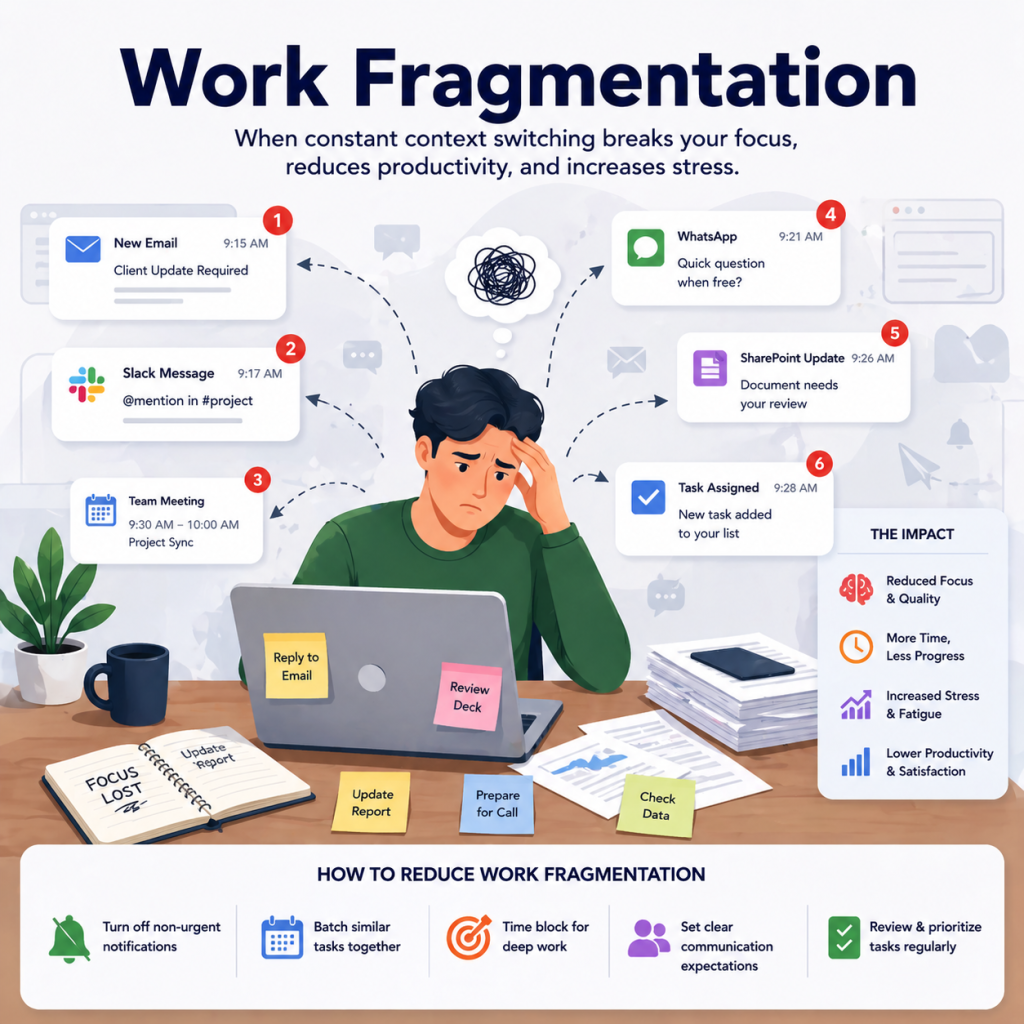
The biggest advantage over email is speed and structure. Instead of scrolling through long threads, your team has dedicated spaces for every topic, and messages can be answered asynchronously without derailing anyone's focus time.
Video Conferencing Software
Video tools bring the face-to-face element back to remote work. Whether it's a daily standup, a client presentation, or a brainstorming session, platforms like Zoom and Google Meet give your team a space for live discussion with screen sharing, recording capabilities, and breakout rooms.
The best video conferencing tools now go beyond the meeting itself. AI-generated summaries, transcripts, and action-item lists mean team members who couldn't attend can catch up in minutes rather than reading a long recap email.
Project and Task Management Tools
These platforms act as your team's shared command center. Tools like Asana, ClickUp, and monday.com let managers assign tasks, set deadlines, and track progress across multiple workstreams in one place. Kanban boards, Gantt charts, and workload views give everyone a clear picture of what's in progress and what's coming up.
For remote teams, this visibility is critical. Without a central task board, work can fall through the cracks, deadlines get missed, and managers spend too much time chasing status updates instead of removing blockers.
Document Collaboration and File Sharing
Google Workspace and Microsoft 365 let your entire team work on the same document at the same time, with changes tracked and saved automatically. Instead of emailing file attachments back and forth and ending up with five different versions of the same doc, everyone works from one shared source of truth stored in the cloud.
Version history, comments, and suggestion modes make the review and approval process cleaner for remote teams. You can see exactly what changed, who made each edit, and when it happened.
Visual Collaboration and Whiteboards
For creative brainstorming or mapping complex ideas, tools like Miro and FigJam give teams an infinite digital canvas. You can run sticky-note sessions, build flowcharts, sketch user journeys, and run design reviews with participants from anywhere in the world.
These tools are especially popular with product, design, and engineering teams who need to think spatially and communicate visually. They work both in real time during live sessions and asynchronously when team members are in different time zones.
Key Features to Look for in Collaboration Software
With dozens of options on the market, it's easy to get distracted by flashy features that look good in a demo but don't matter in practice. Focus on the capabilities that will actually affect how your team works day to day.
Real-Time and Async Support
Not every team works the same hours. Great collaboration software supports both real-time conversations for live discussions and asynchronous workflows for teams spread across different time zones. Look for tools that let people contribute on their own schedule without creating bottlenecks or making anyone feel like they're always playing catch-up.
The best platforms offer both modes within the same interface. Real-time chat for quick questions, threaded discussions for structured decisions, and async video updates for context-heavy communications that don't need a live meeting.
Integrations and Workflow Compatibility
The best tool is one that connects seamlessly with the apps your team already uses. Before committing to any platform, check its integration directory against your current stack: project management, file storage, calendar, HR tools, and time tracking. A well-connected stack eliminates duplicate data entry and keeps workflows running without friction. This matters especially for agencies and service teams who need billable time data flowing automatically from the tools where work happens.
Security and Access Controls
Your collaboration tools will house sensitive project files, client communications, and internal plans. Make sure any platform you evaluate offers end-to-end encryption, role-based permissions, two-factor authentication, and compliance certifications relevant to your industry. Enterprise plans typically include more granular access controls, audit logs, and data residency options that smaller plans don't.
Security tip: When evaluating any collaboration platform, ask specifically about data ownership, what happens to your data if you cancel, and whether the vendor has SOC 2 or ISO 27001 certification. These details rarely come up in sales demos but matter a lot for enterprise teams.
Time Tracking and Accountability
This is the feature most teams overlook until it's too late. Knowing that your collaboration tool is busy is not the same as knowing whether your team is productive. Active Slack channels and full Asana boards don't tell you where billable hours are going or whether key projects are on budget. Adding a dedicated time tracking layer gives you that visibility without disrupting anyone's workflow.
The Best Virtual Collaboration Tools in 2026
There's no single tool that does everything perfectly. The platforms below are the best in their respective categories, and most remote teams end up using two or three of them together. Understanding what each one is built for helps you build a stack that covers your team's actual needs rather than overlapping on the same functions.
Slack — Best for Async Team Communication
Slack is the go-to messaging platform for remote teams that need organized, searchable communication. Its channel-based structure lets you keep conversations sorted by project, department, client, or topic, so nothing gets buried in a shared inbox. Threaded replies, file sharing, voice clips, and a marketplace of over 2,600 integrations make it the central hub for how distributed teams communicate day to day.
Slack's free plan is functional for small teams but limits message history and integrations. Paid plans start at around $7.25 per user per month and unlock unlimited history, more integrations, and advanced admin controls.
Microsoft Teams — Best for Enterprise Collaboration
If your organization already runs on Microsoft 365, Teams is the natural home for collaboration. It brings chat, video meetings, file collaboration through SharePoint and OneDrive, and a wide range of app integrations under one roof. It's particularly strong for larger organizations that need tight security controls, compliance features, and governance policies across a large user base.
Teams comes included with most Microsoft 365 business plans, which makes it a cost-effective choice for companies already in the Microsoft ecosystem. The interface can feel dense at first, but once your team gets comfortable with channels and tabs, it becomes a powerful all-in-one workspace.
Zoom — Best for Video Meetings
Zoom remains the industry standard for virtual meetings. Its video quality, connection reliability, and ease of use have kept it ahead of the competition even as rivals have improved significantly. Beyond meetings, Zoom now includes persistent team chat, virtual whiteboarding, AI-powered meeting summaries, and short async video clips for updates that don't need a full call.
The free tier allows 40-minute meetings for up to 100 participants, making it a solid starting point for freelancers and small teams. Business plans add longer meetings, cloud recording, and more admin controls.
Notion — Best for Docs and Project Wikis
Notion combines a document editor, database, and lightweight project tracker in one flexible workspace. Remote teams use it to build internal wikis, document SOPs, manage content calendars, run project databases, and take meeting notes, all in one place. Its block-based editor lets you build pages that mix text, tables, checkboxes, embeds, and databases without needing any technical setup.
For teams that find themselves bouncing between Google Docs, Confluence, and spreadsheets for different types of information, Notion can consolidate most of that into a single, searchable workspace.
ClickUp — Best for Task and Project Management
ClickUp packs an impressive range of features into one platform: tasks, docs, goals, built-in time tracking, dashboards, and whiteboards. It's highly customizable, letting teams set up their workspace with the views and structures that fit their specific workflows, whether that's Kanban, list, calendar, or Gantt. The free tier is generous for smaller teams, and paid plans start at $7 per user per month.
One thing ClickUp does well is consolidation. Teams that were previously juggling Trello for tasks, Google Docs for notes, and a separate time tracker often find that ClickUp handles all three well enough to reduce their tool count.
Miro — Best for Visual Brainstorming
Miro's infinite digital whiteboard is the go-to for design, product, and engineering teams that need to think visually together. You can run live brainstorming sessions, build product roadmaps, map user journeys, create flowcharts, and run retrospectives, all on a shared canvas that everyone can see and contribute to in real time.
Miro supports over 250 integrations and includes a large library of ready-made templates for common workshops and planning sessions. It works both in live collaborative sessions and asynchronously for teams in different time zones.
Google Workspace — Best for Real-Time Document Collaboration
Google Workspace brings Docs, Sheets, Slides, Drive, Gmail, Calendar, and Meet together in one suite. It's the default choice for teams that do heavy document work. Multiple people can edit the same file simultaneously, all changes are saved and versioned automatically, and everything lives in the cloud so nothing gets stranded on someone's local machine.
For smaller teams, the free tier covers a lot. Business plans add more storage, admin controls, and compliance features. Google Workspace integrates with virtually every other tool in a modern tech stack, which makes it a natural foundation for a remote team's collaboration setup.
Asana — Best for Workflow Automation
Asana excels at turning complex workflows into structured, automated processes. Teams can build rule-based automations that move tasks between columns, trigger notifications, update statuses, and assign follow-up work, all without manual effort. It integrates with over 200 apps, and its timeline view gives managers a clear picture of how projects are progressing against deadlines.
Asana is particularly popular with marketing, operations, and cross-functional teams that manage a high volume of recurring workflows. The premium tier unlocks the most powerful automation and reporting features.
How to Choose the Right Virtual Collaboration Tool
With so many options available, picking the right collaboration tools can feel overwhelming. The good news is you don't need to evaluate every platform on the market. A structured four-step approach helps you narrow down the choices quickly and get your team onto something that works.
-
1
Define Your Team's Core Workflows
Before looking at any tool, map out how your team actually works. List the core workflows: how decisions get made, how files get shared, how tasks get assigned, and how team members check in on progress. This tells you which tool categories are non-negotiable for your team and which ones are nice-to-have. A team that runs mostly async has different needs than one that relies on daily live standups.
-
2
Match Tool Types to Team Size
A five-person startup has different needs than a 500-person enterprise. Smaller teams often do well with an all-in-one platform like Notion or ClickUp that covers multiple functions without requiring separate subscriptions. Larger organizations usually need dedicated solutions for communication, project management, and document collaboration, each optimized for its specific function and capable of scaling to hundreds of users.
-
3
Audit Integration Needs
List the tools your team already relies on daily: CRM, HR system, time tracker, file storage, and calendar. Then check each collaboration platform's integration directory before committing. A tool that doesn't connect to your existing stack will create extra manual work instead of reducing it. Prioritize platforms with native integrations over ones that require Zapier workarounds for every connection.
-
4
Test Before You Commit
Most collaboration tools offer a free trial or a generous free tier. Get your core team to use the platform for two to four weeks on real projects before making any purchasing decision. Watch the adoption rate closely. If people are defaulting back to email or WhatsApp after a week, the tool isn't the right fit. The best collaboration platform is the one your team actually uses consistently.
The Missing Layer: Time Tracking Alongside Collaboration
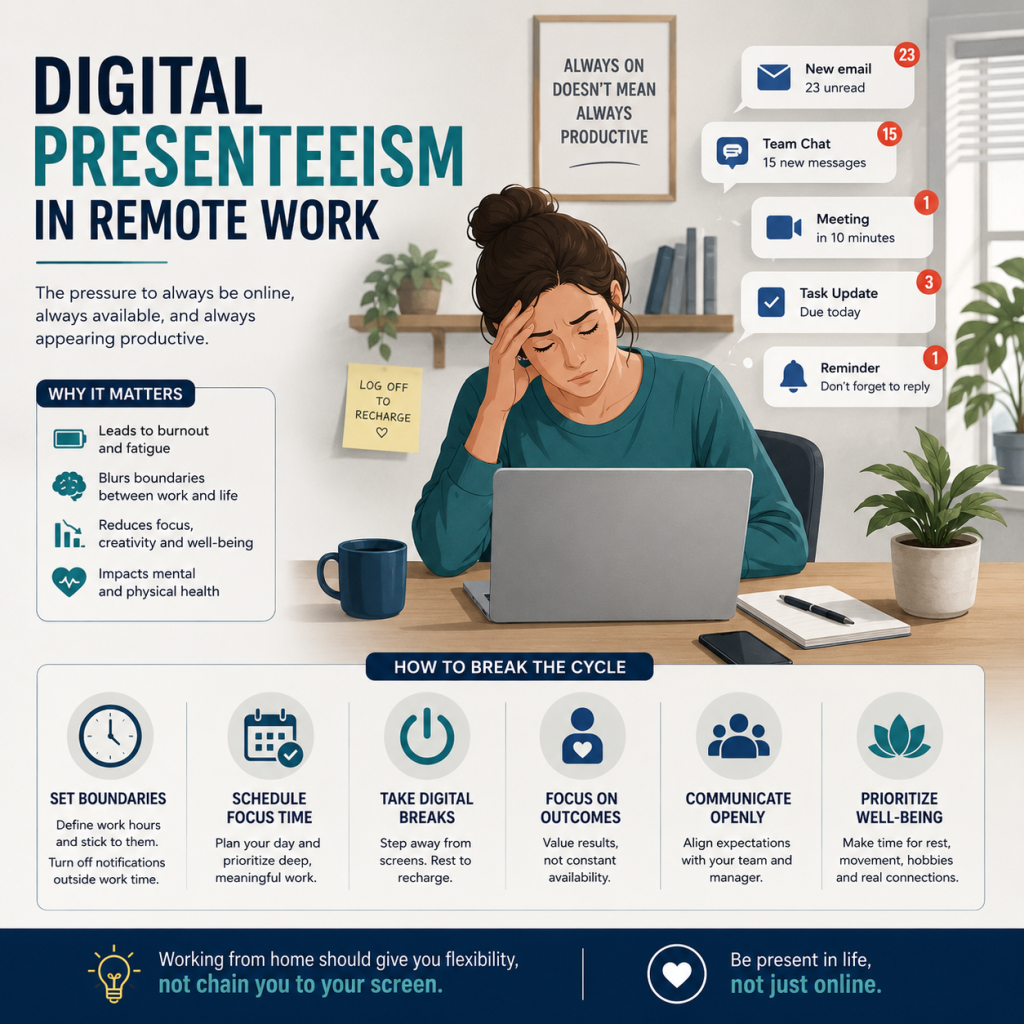
Here's something most guides on virtual collaboration tools skip over: knowing that your team is active in these platforms is not the same as knowing whether they're being productive. Collaboration tools generate a lot of visible activity. But visible activity and measurable output are two very different things.
Why Collaboration Tools Alone Are Not Enough
Your Slack workspace might be buzzing with messages. Your Asana board might be full of tasks marked in progress. But none of that tells you how many actual hours went into a deliverable, whether a project is on budget, or whether a specific team member is overloaded or underutilized. For remote teams where managers can't physically observe their team's workday, this is a significant blind spot.
The problem compounds over time. Without time data, you can't accurately quote new projects, you can't spot burnout before it happens, and you can't make a data-backed case for headcount when your team is stretched thin. That's where purpose-built time tracking software fills a gap that collaboration tools were never designed to close.
How clockdiary Fills the Gap
clockdiary is built to work alongside every major collaboration tool your team already uses. It adds a time intelligence layer that shows you not just what your team is working on, but how long things are actually taking. Whether you're running projects in Asana, communicating in Slack, or meeting on Zoom, clockdiary tracks the time behind it all.
Project Time Tracking for Remote Teams
With clockdiary's project time tracker, your team can log time directly against specific projects and tasks. Managers get a real-time view of where hours are being spent across the whole team, broken down by project, client, or individual contributor. That data feeds directly into project cost reports, payroll processing, and capacity planning, making every collaboration session count toward something measurable.
Employee Activity Visibility
Beyond time logs, clockdiary's remote monitoring features give managers visibility into app usage, activity levels, and screenshots across their distributed team. This isn't about surveillance. It's about having the data to spot when someone is overloaded before they burn out, identify bottlenecks in workflows, and make sure that the hours people spend in collaboration tools are converting into real, deliverable work. Combined with your existing virtual collaboration stack, it creates a complete picture of how your remote team performs.
Final Thoughts
Virtual collaboration tools have gone from a nice-to-have to a core part of how modern teams operate. Whether your team is fully remote, hybrid, or simply spread across multiple offices, the right combination of communication, project management, and document collaboration platforms can make the difference between a team that's always on the same page and one that's constantly playing catch-up.
Start with the category your team struggles with most, whether that's communication clarity, task visibility, or document organization, and build from there. Don't try to adopt five new tools at once. One well-adopted platform will do more for your team's productivity than a full stack that nobody uses consistently.
And when you're ready to go beyond just knowing what your team is working on and start understanding how they're spending their time, clockdiary is there to add the accountability layer that collaboration tools on their own can't provide. Pair the right tools with the right data, and you'll have everything you need to help your remote team increase productivity in the workplace regardless of where that workplace happens to be.
Frequently Asked Questions
What are virtual collaboration tools?
Virtual collaboration tools are software platforms that allow teams to communicate, share files, manage projects, and work together from different physical locations. They include messaging apps like Slack, video conferencing platforms like Zoom, project management tools like Asana, and document editors like Google Workspace. Most remote and hybrid teams use a combination of these tools to replicate the collaborative workflows of an in-person office environment.
What is the best virtual collaboration tool for remote teams?
There is no single best tool for every team. The right choice depends on your team's size, workflow, and budget. Slack is the top pick for async messaging, Zoom leads for video meetings, ClickUp and Asana are strong for project management, and Google Workspace is hard to beat for document collaboration. Most remote teams use two or three of these together rather than relying on one platform for everything.
How do virtual collaboration tools improve team productivity?
They improve productivity by centralizing communication, reducing email overload, giving teams shared visibility into project status, and enabling both real-time and asynchronous work. Instead of chasing updates across different inboxes and chat threads, everyone works from a single shared workspace. This reduces time spent on coordination and gives individuals more time to focus on actual work.
What features should I look for in collaboration software?
The most important features are real-time and async communication support, strong integration with your existing tools, role-based security and access controls, and some form of time tracking or accountability layer. Beyond that, look for a clean interface that your team will actually adopt, a mobile app for team members who aren't always at a desk, and scalable pricing that grows with your team.
Are virtual collaboration tools secure?
Most enterprise-grade collaboration platforms offer strong security including end-to-end encryption, two-factor authentication, role-based permissions, and compliance certifications like SOC 2 and ISO 27001. The level of security varies by plan, with enterprise tiers typically offering more granular controls and audit logging. Always review a platform's security documentation before sharing sensitive client or business data.
How do I track remote employee productivity alongside collaboration tools?
Most collaboration tools show activity but not actual productivity. To get a full picture, you need a dedicated time tracking tool alongside your collaboration stack. clockdiary lets your team log time against specific projects and tasks, tracks app usage and activity levels, and gives managers real-time reporting on where hours are being spent. It works alongside Slack, Zoom, Asana, and other tools without disrupting your existing workflows.
Can small businesses use virtual collaboration tools?
Yes, and most of the leading tools offer generous free tiers specifically designed for smaller teams. Slack, Zoom, ClickUp, Notion, and Miro all have free plans that cover the essential features for teams of ten or fewer people. As your team grows, paid plans add more storage, integrations, and admin features. Starting on a free plan is a low-risk way to test whether a tool fits your team's workflows before committing to a subscription.