What Is Passive Time Tracking and How Does It Work?
 Kapil Garg |
Updated: April 22, 2026
Kapil Garg |
Updated: April 22, 2026
- What Is Passive Time Tracking?
- How Passive Time Tracking Works Behind the Scenes
- Key Benefits of Passive Time Tracking
- Common Use Cases for Passive Time Tracking
- Challenges and Privacy Considerations
- How Clockdiary's Activity Tracker Helps
- How to Get Started With Passive Time Tracking
- Frequently Asked Questions
- What Is Passive Time Tracking?
- How Passive Time Tracking Works Behind the Scenes
- Key Benefits of Passive Time Tracking
- Common Use Cases for Passive Time Tracking
- Challenges and Privacy Considerations
- How Clockdiary's Activity Tracker Helps
- How to Get Started With Passive Time Tracking
- Frequently Asked Questions
If you've ever finished a long workday and realized you have no idea where the hours went, you're not alone. Most professionals lose 15 to 20 percent of their billable time simply because they forgot to start a timer or write down what they were doing. Passive time tracking solves that. It runs quietly on your device, captures everything you work on, and turns it into a usable timesheet without asking you to lift a finger.
In this guide, you'll learn exactly what passive time tracking is, how the technology works behind the scenes, the real-world benefits and trade-offs, and how Clockdiary's built-in Activity Tracker gives you accurate, hands-free time data you can actually trust.
Key Takeaways
- Passive time tracking is software that automatically records your work activity in the background, so you never have to start, stop, or remember timers.
- It works by silently monitoring apps, documents, websites, and idle periods, then turning that data into an editable timesheet you can review.
- Teams that switch from manual timers to passive tracking typically recover 1 to 5 hours per person per month and capture significantly more billable time.
- The biggest wins are accurate billing, honest productivity insights, and less administrative friction, especially for freelancers, lawyers, agencies, and remote teams.
- Clockdiary's Activity Tracker brings passive tracking to your workflow with smart idle detection, automatic app and URL capture, and full user control over what gets recorded.
What Is Passive Time Tracking?
Passive time tracking is a method of recording how you spend your work hours using software that runs automatically in the background. Instead of pressing start and stop every time you switch tasks, the tool watches your computer activity, logs the applications and documents you use, and builds a timeline of your day by itself.
Think of it like a dashcam for your workday. You don't have to remember to hit record. It's always on, capturing the footage, and you review it later to decide what matters and what doesn't.
The Definition in Plain English
At its simplest, a passive time tracker is a piece of software that watches what you do on your computer or phone and writes it down for you. It notices when you open Microsoft Word, when you switch to Gmail, when you jump into a Zoom call, and when you step away from your desk for coffee. All of that turns into a structured log of how your day really unfolded.
This is sometimes called automatic time tracking, background time tracking, or automated time capture. The names are slightly different, but they all describe the same idea: time gets recorded for you, not by you.
Quick definition: Passive time tracking is the automatic, hands-free recording of your work activity, using software that runs in the background to build accurate timesheets without manual input.
Passive Time Tracking vs Active Time Tracking
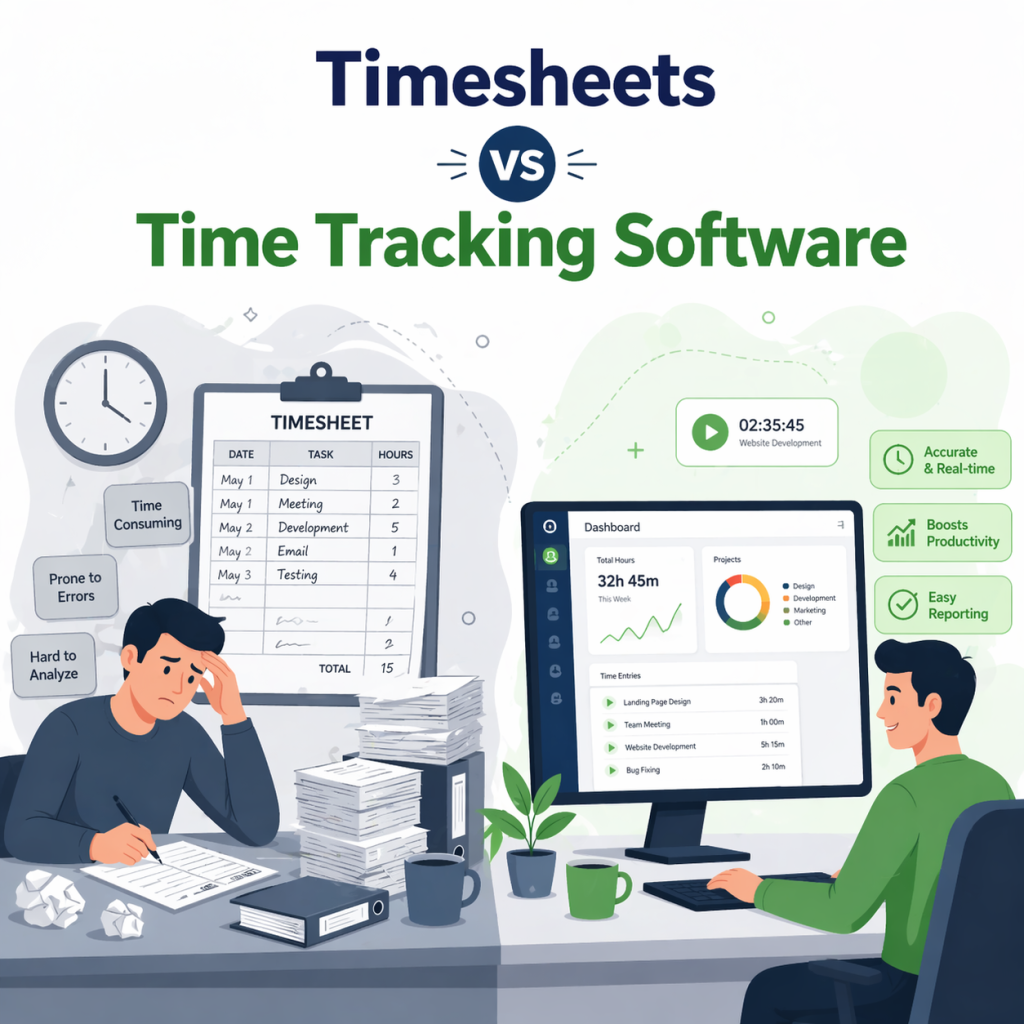
To understand passive tracking, it helps to see it next to its opposite. Active time tracking is the traditional approach, where you manually start a timer, stop it when you're done, and tag the entry with a project or client. You're in full control, but you're also in charge of remembering every switch. Miss one, and that time is gone.
Passive time tracking flips that. The software handles the capture, and you handle the review. You get the best of both worlds: comprehensive data without the mental overhead of running timers all day.
How Passive Time Tracking Works Behind the Scenes
Passive time tracking can feel a bit like magic the first time you try it. You open your laptop, start working, and at the end of the day there's a neat log of everything you did. The reality, of course, is simpler than magic. It's a predictable four-step loop that every good passive time tracker follows.
Background Software Installation
The process starts when you install a lightweight desktop or mobile agent. This small app stays resident on your device and launches with the operating system. It uses very little memory and almost no CPU, so you won't notice it slowing things down.
Most modern passive trackers support Windows, macOS, Linux, iOS, and Android, which means your data stays consistent no matter which device you're on. Some tools also offer browser extensions that can add context like the URLs and page titles you visit during web-based work.
Continuous Activity Capture
Once the agent is running, it watches for signals that tell it what you're doing. It detects keyboard and mouse input to know when you're actively working, and it reads the window title of the application currently in focus. If you switch from Slack to a spreadsheet to a design tool, each change is timestamped and logged as a new entry.
What Gets Tracked
A typical passive time tracker captures the application name (for example, Figma or Microsoft Outlook), the document or file title, the website URL or page title if you're browsing, the start and end time of each session, and idle periods when there's no keyboard or mouse input. Some tools also integrate with your calendar to attach meetings automatically.
What most passive trackers do not capture is just as important. Reputable tools steer clear of full screenshots by default, keystroke content, personal messages, and anything outside designated work hours. You control the scope, and the best platforms make those privacy settings obvious.
Heads up: If a passive time tracking tool won't tell you clearly what it captures and what it doesn't, walk away. Transparency is the price of admission for any modern monitoring software.
Categorization and Analysis
Raw activity data by itself isn't very useful. The tracker then groups the captured entries into meaningful buckets: productive work, communication, research, breaks, and so on. Many tools use machine learning or AI to suggest which project or client an entry belongs to, based on the app and document you were in.
For example, if you spent 45 minutes in a Google Doc titled "Acme Q4 Proposal," the system can usually match that to your "Acme Corp" client record and tag it accordingly. The longer you use a passive tracker, the smarter it gets at making these connections automatically.
Review and Approval
This is the step that separates good passive time tracking from creepy surveillance. Nothing hits your final timesheet without your say-so. At the end of the day or week, you open the tracker, review the captured timeline, edit anything that looks off, and approve it for submission.
You stay in control of the narrative. The software does the tedious capture work, and you do the quick, human review. That combination is what makes passive tracking feel fast and fair at the same time.
Key Benefits of Passive Time Tracking
Once you switch from manual timers to a passive time tracker, the benefits show up fast, usually within the first billing cycle. Here's what most teams see.
Zero Effort Time Capture
The most immediate win is that you stop thinking about time tracking altogether. No more start buttons, no more stop buttons, no more "wait, was I on the Acme project or the Beta account just now?" The software handles every switch, so you can stay focused on the work itself.
More Accurate Billing and Payroll
If you bill by the hour, every forgotten email or ten-minute client call is money you never get back. Passive tracking closes that leak by capturing the small stuff you'd normally skip. The impact is dramatic. According to the 2025 MyCase Legal Industry Report, lawyers using passive time-tracking tools billed an extra 64 hours per year on average.
The same logic applies to hourly employees and payroll. When your timesheets reflect reality down to the minute, you avoid both the under-billing that kills revenue and the over-billing that kills client trust.
Real Productivity Insights
Manual time tracking tells you what you remember doing. Passive tracking tells you what you actually did. That difference matters when you're trying to improve how you work. You'll see which apps eat the most hours, when your focus peaks, and how much time collaboration tools quietly consume.
Good passive tracking platforms turn this into charts and reports you can actually use for planning and workload balancing. Managers get an honest picture of team capacity, and individuals get data to protect their deep-work time.
Reduced Administrative Work
Filling out weekly timesheets is one of the most hated recurring tasks in professional services. A passive tracker cuts that work down to a quick review instead of a full reconstruction. Research on legal industry adopters found that firms using passive tools save between 1 and 5 hours per person per month on administrative tasks alone. Across a 20-person team, that's up to 100 hours a month freed up for actual billable work.
Common Use Cases for Passive Time Tracking
Passive time tracking isn't just for one type of business. Any role with frequent task switching or hourly billing benefits. Here are the four groups where it makes the biggest difference.
Freelancers and Consultants
If you juggle three or four clients in a typical week, manually switching timers is a nightmare. Passive tracking catches every micro-session, whether it's a quick email, a design tweak, or a 20-minute research detour. That means your invoices tell the real story of the work, and your clients get the detail they expect.
Law Firms and Accountants
Billable-hour professions live or die by accurate time capture. Lawyers famously hate timekeeping (a PointOne poll found 87% of lawyers "hate" tracking time), which is why passive capture has become such a big deal in the legal industry. It eliminates the end-of-day guesswork that causes firms to underbill by 25 percent or more.
Remote and Hybrid Teams
When your team is spread across time zones and home offices, traditional check-ins stop working. Passive time tracking gives managers honest visibility into how work is actually progressing, without requiring constant status updates. The data itself becomes the status report.
Software Development Teams
Developers switch context constantly: IDE, terminal, Jira, Slack, browser, Figma, back to the IDE. Passive trackers capture that fluid workflow without interrupting it. The resulting data helps engineering managers plan sprints more realistically and spot when a "two-day task" is secretly eating a week.
Challenges and Privacy Considerations
Passive time tracking is powerful, but it's not without trade-offs. The same technology that captures every billable minute can feel invasive if it's rolled out carelessly. Getting this right matters, both legally and culturally.
Employee Privacy Concerns
The number one objection to passive tracking is privacy. Employees worry that their every keystroke is being watched, judged, and stored forever. That fear is legitimate, and it's the main reason some rollouts fail. The solution is transparency. Tell your team exactly what's captured, what isn't, who can see it, and how long the data lives. Vague policies destroy trust faster than the tool itself ever could.
Data Security Requirements
Any system that records detailed work activity is a security target. Look for tools that offer end-to-end encryption, role-based access controls, and compliance with regulations like GDPR or CCPA depending on your region. Employers in the EU in particular need to follow strict rules under GDPR on how personal data, including time-tracking records, is collected and stored.
How to Implement It Responsibly
Responsible rollout comes down to three habits: communicate early, let people see their own data, and give them a way to pause tracking for clearly personal moments. A 15-minute team walkthrough before day one saves weeks of awkwardness later. When employees understand that the goal is accurate billing and fair workload distribution, not surveillance, most resistance evaporates.
How Clockdiary's Activity Tracker Makes Passive Time Tracking Simple
Clockdiary's Activity Tracker brings all the benefits of passive time tracking into a platform that's also built for timesheets, project management, payroll, and attendance. It's designed to sit in the background and do the heavy lifting, so your team can focus on the work while the software handles the record keeping.
Automatic Activity Capture
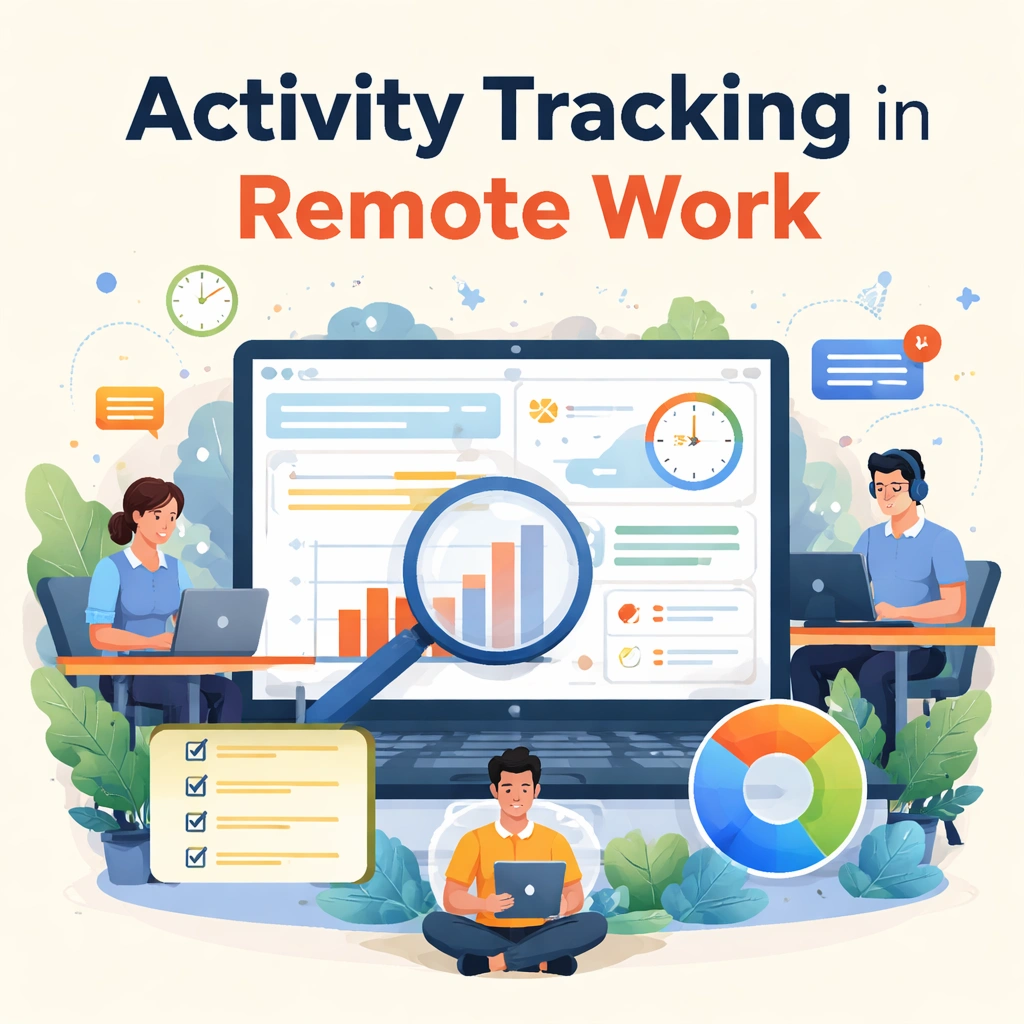
The Activity Tracker silently records which apps and websites you use throughout the day, along with how long each session lasts. Open a design file, jump into Slack, switch to a client's spreadsheet, and every transition is stamped and stored. At the end of the day, you get a complete timeline that you can turn into a timesheet in a couple of clicks, not a couple of hours.
Smart Idle Detection
Not every gap in keyboard activity is wasted time. Meetings, phone calls, and reading long documents all look like "idle" to a dumb tracker. Clockdiary's Activity Tracker handles idle time intelligently: it pauses tracking after a configurable window of inactivity, then prompts you to decide whether that gap should count as work, a break, or an offline meeting. That small design choice keeps your data honest without penalizing the way real work actually happens.
Built-In Privacy Controls
Clockdiary gives both admins and individual users clear controls over what gets tracked. You can turn the Activity Tracker on or off on demand, define working hours outside of which nothing is recorded, and choose whether to capture URLs, app names, or both. Employees can also see their own data, which is the single most important trust-builder any monitoring tool can offer.
How to Get Started With Passive Time Tracking
Rolling out passive time tracking doesn't have to take months. If you follow a few clear steps, most teams can be fully up and running inside two weeks.
-
1
Step 1: Audit Your Current Process
Before you pick a tool, understand what's broken. Are people forgetting to log time? Are invoices consistently short on hours? Are managers flying blind on project capacity? Write down the three biggest gaps. That list becomes your success criteria.
-
2
Step 2: Pick the Right Tool
Look for software that integrates with your existing project management and billing systems, supports every device your team uses, and offers clear privacy controls. A free trial is non-negotiable. You want to see how the data actually feels before committing.
-
3
Step 3: Communicate With Your Team
Hold a short kickoff session. Explain what will be tracked, what won't be tracked, who can see the data, and what problem the tool is meant to solve. Answer questions honestly. Skipping this step is the single biggest reason passive tracking rollouts fall apart.
-
4
Step 4: Monitor and Refine
After 30 days, review the data. Are you capturing more billable time? Are timesheets easier to produce? Adjust categories, refine automation rules, and share early wins with the team. Continuous tweaking is what turns a good rollout into a great one.
Frequently Asked Questions
Q: Is passive time tracking the same as employee surveillance?
No. Passive time tracking focuses on capturing which apps, documents, and websites are used during work hours, not on reading messages or watching screens in real time. Reputable tools let you control what's recorded and give employees full visibility into their own data. Surveillance is about control; passive tracking is about accurate timesheets.
Q: Does passive time tracking slow down my computer?
Not noticeably. Modern passive time trackers are built to run in the background with very little CPU or memory usage. The Activity Tracker in tools like Clockdiary is designed to be invisible during normal work, even on older laptops.
Q: Can I edit the data a passive tracker collects?
Yes. Every good passive time tracking system gives you a review and edit step before the data turns into a final timesheet. You can merge sessions, add project tags, delete entries that weren't work-related, and write descriptions for billable time. The tracker captures; you approve.
Q: Does passive tracking work offline?
Most desktop-based passive trackers work fully offline. The activity data is stored locally on your device and syncs to the cloud when you reconnect. This is useful for travel, client sites, or any work done without reliable internet.
Q: Is passive time tracking legal?
Yes, in most regions, as long as employees are informed. In the European Union, the General Data Protection Regulation (GDPR) requires clear disclosure and a lawful basis for collecting personal work data. In the United States, most states allow it with notice. You should always check local laws and write a clear time-tracking policy before rolling any tool out.
Q: Who benefits most from passive time tracking?
Anyone who bills for their time or manages teams that do. That includes freelancers, consultants, agencies, law firms, accountants, remote teams, and software developers. If your day involves constant task switching or hourly billing, passive tracking recovers time and revenue you're currently losing to forgotten timers.
Q: How is passive time tracking different from AI time tracking?
AI time tracking is a newer, smarter version of passive tracking. Both run in the background, but AI-powered tools use machine learning or large language models to go a step further: they automatically categorize entries, draft narrative descriptions, and suggest which project or client each session belongs to. AI time tracking is essentially passive tracking plus automated interpretation.